Watch the Reels and TikToks friends send, without the apps
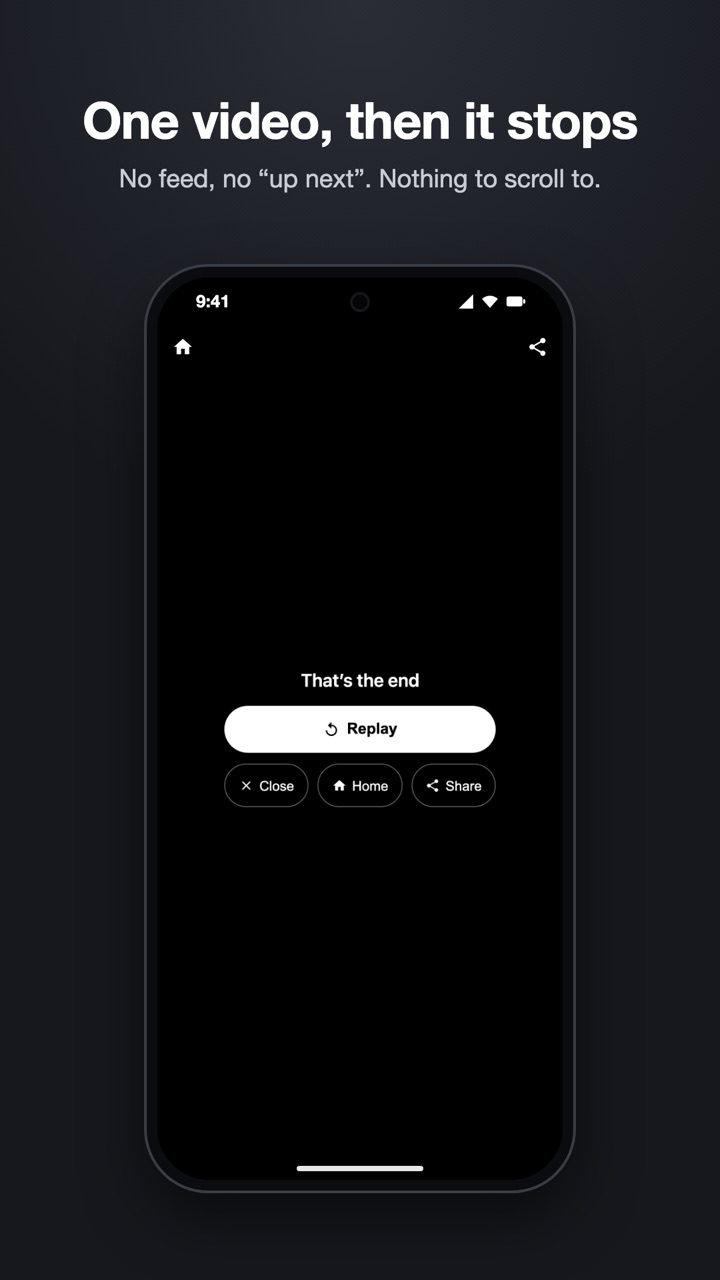
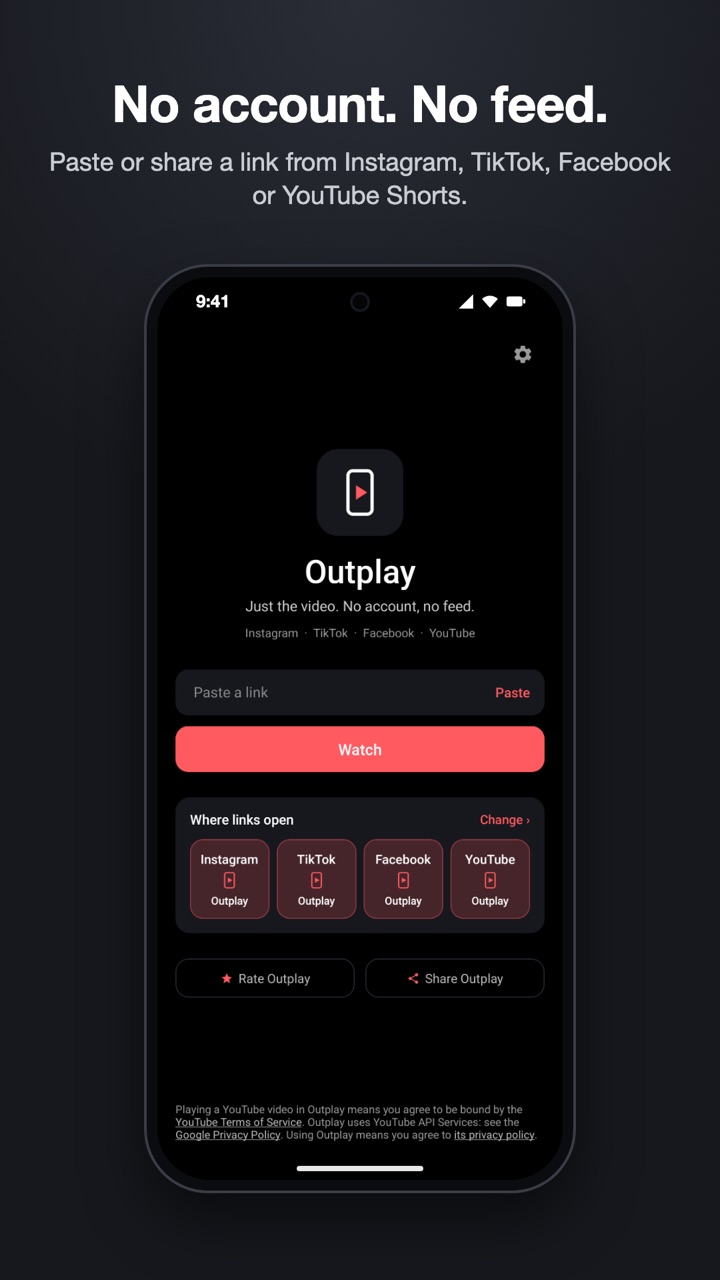
Outplay is a free Android app I made. Share a Reel, TikTok, Short or X video to it and it plays that one video, then stops. It has no account and no feed.
Getting a link to Outplay
The surest way is Share. In any app, tap Share on a link and pick Outplay. If you copy a link and then open Outplay, it offers to play it, and you can paste one into the box on its home screen.
A plain tap works once Android has been told to send those links to Outplay. The step-by-step guide has the settings.
What it plays
Each video plays in the platform's own embedded player, so Outplay can play only what the platform allows to be embedded. Private, age-restricted and removed videos are refused. Outplay says so and offers to open the link normally. It can't log you in, post, comment or browse a profile.
Controls
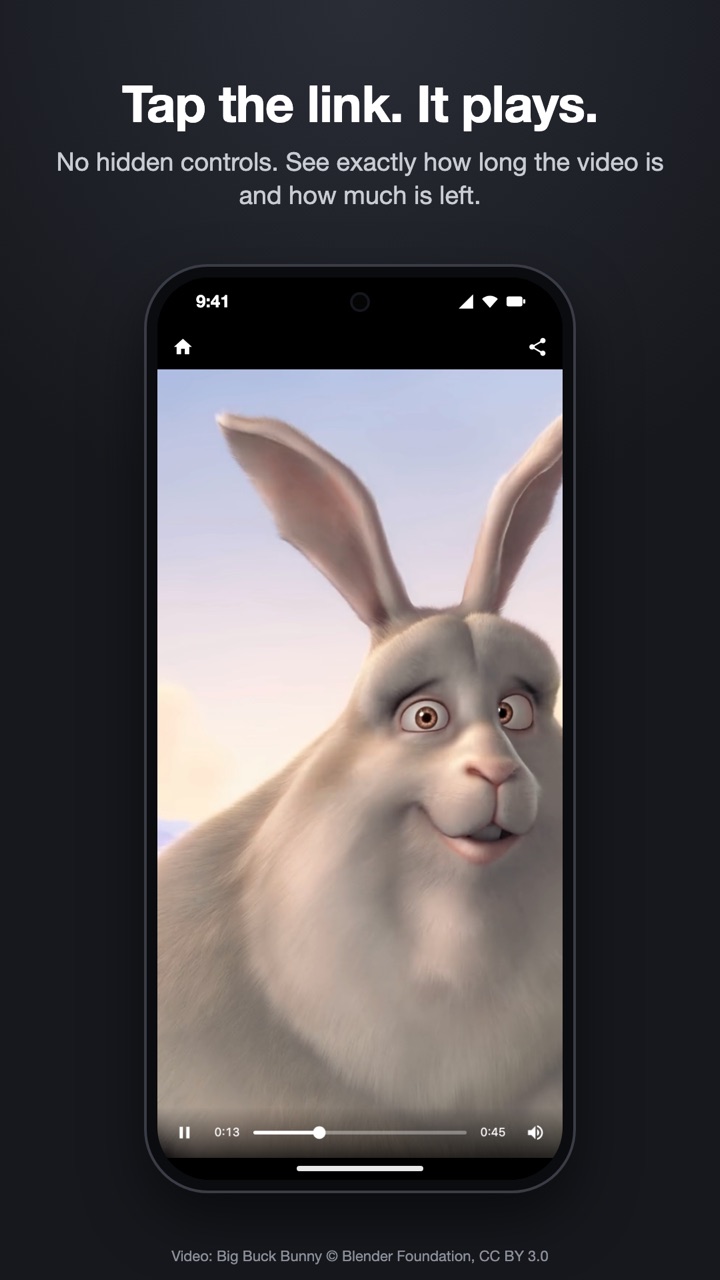
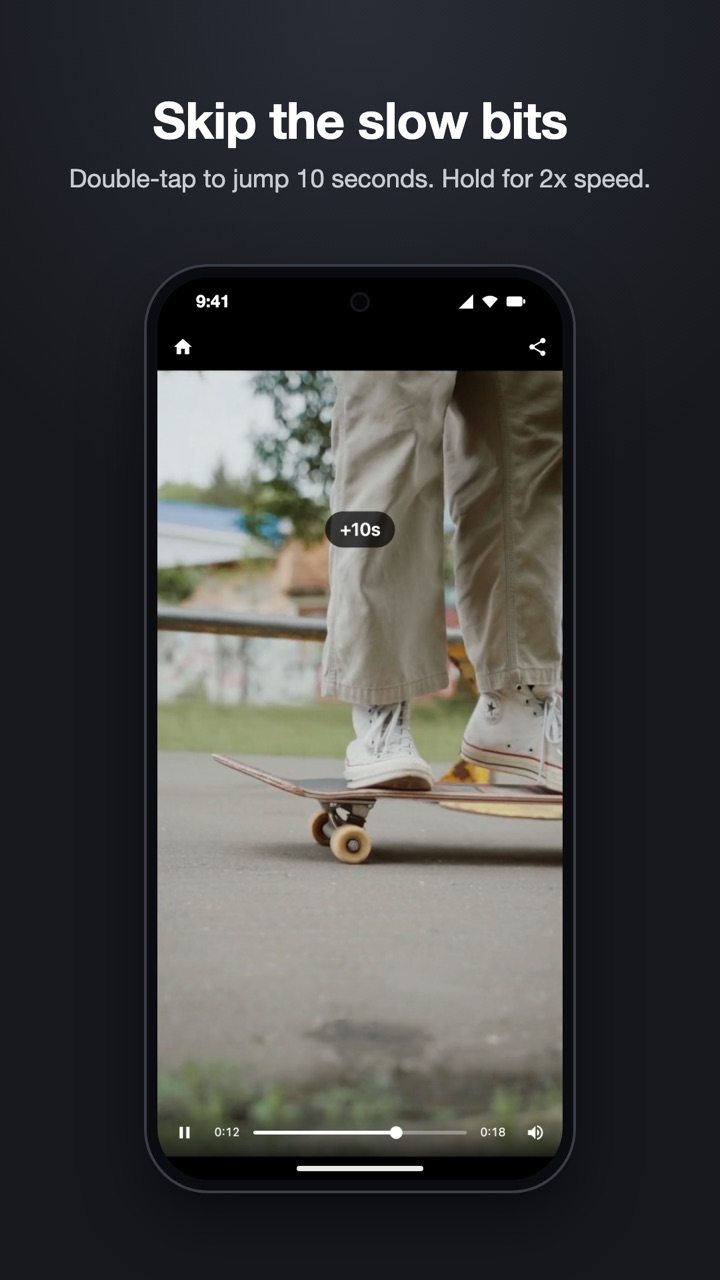
There is a scrub bar with the time played and the length. Double-tap the left or right side to skip 10 seconds back or forward, and press and hold to play at 2x. Volume and mute are there too. When the video ends, a panel offers Replay, Close, Home and Share, and nothing else plays.
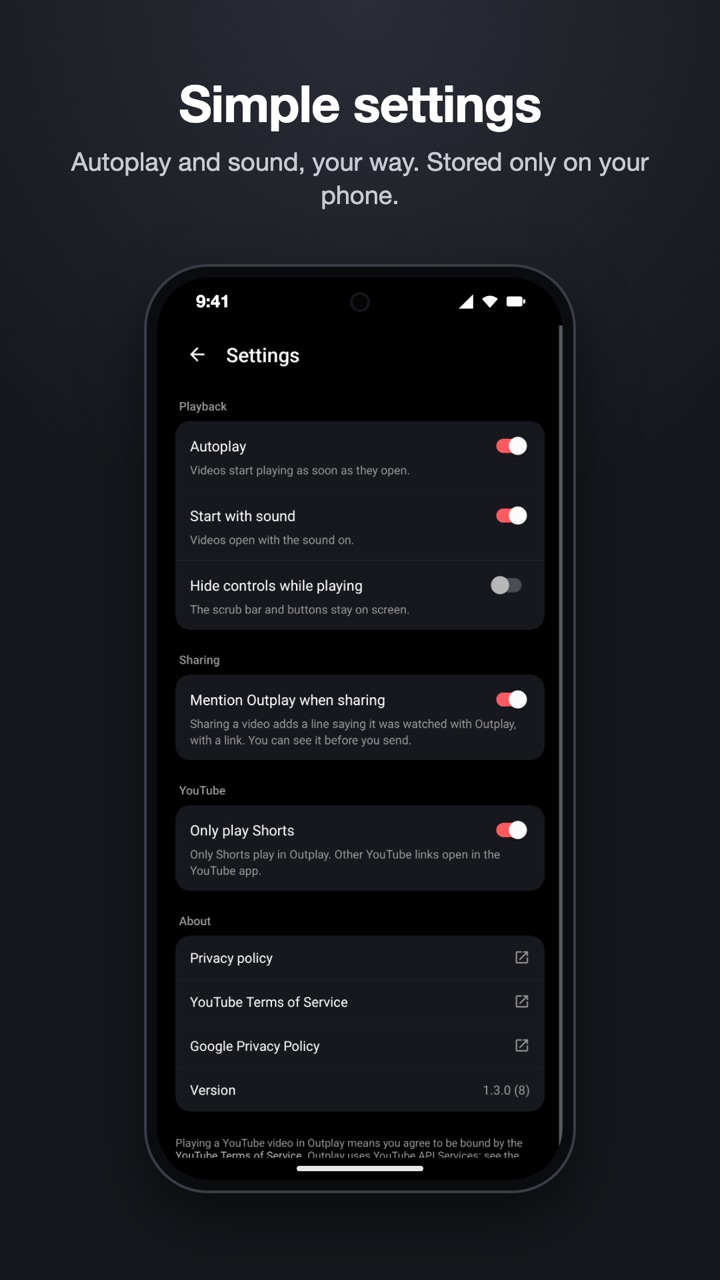
Settings let videos open paused or muted, and hide the controls while a video plays. YouTube won't let Outplay draw over its player, so a Short has no double-tap skip or hold-to-fast-forward. It keeps the scrub bar, play and pause, and mute. Only Shorts play by default, and a setting turns on every YouTube video.
Setting up links in 1.7.0
Links only open in Outplay once you have approved its addresses on Android's Open by default page, and once any app that holds those links has let go of them. Outplay can't do either for you. Android keeps both to its own settings.
On a new install, the first time you open Outplay from its icon, it starts a guided setup. Each screen is one step, and only the steps your phone needs. If the Instagram or TikTok app holds links, that app gets a screen of its own with a button to its settings. You can keep an app as it is and Outplay leaves that platform out. Then one screen sends you to Outplay's own page to tap Add link and tick every box you can.
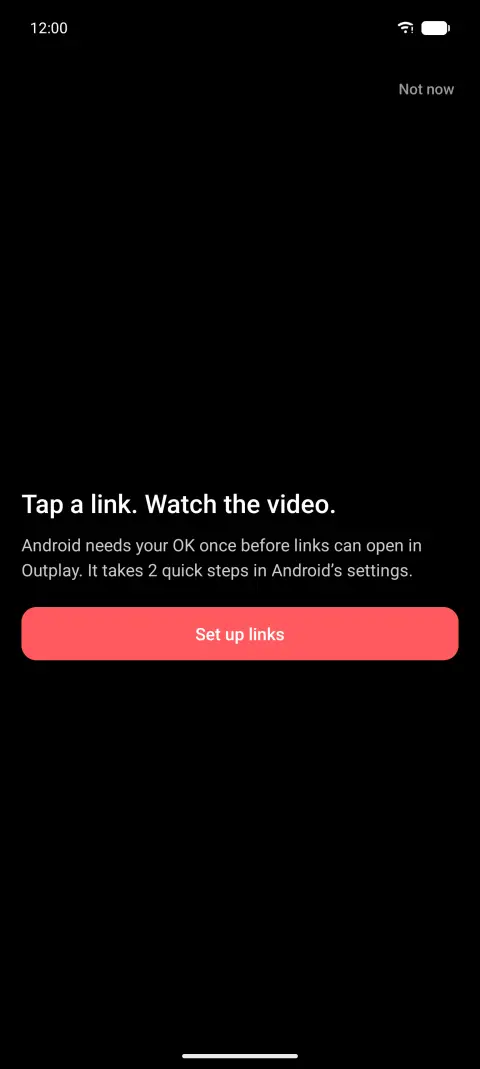
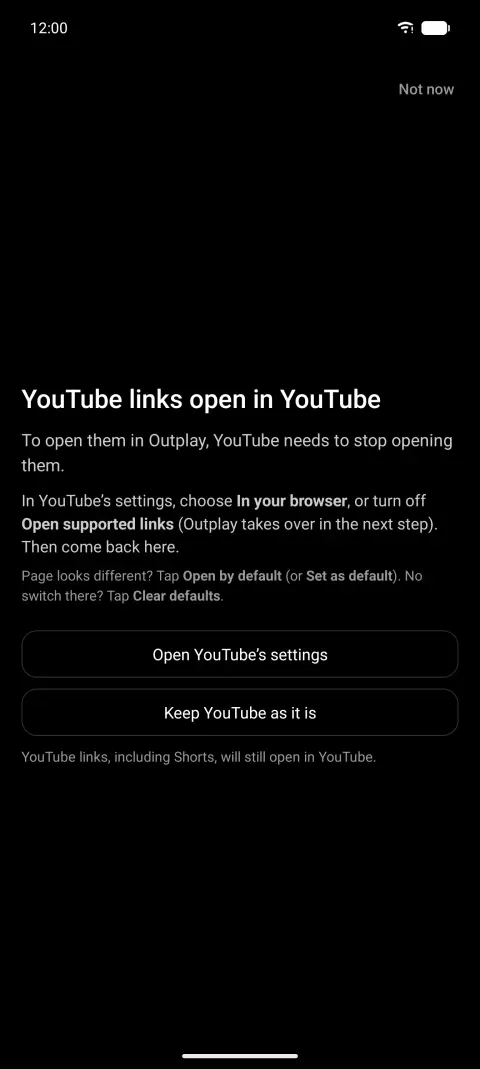
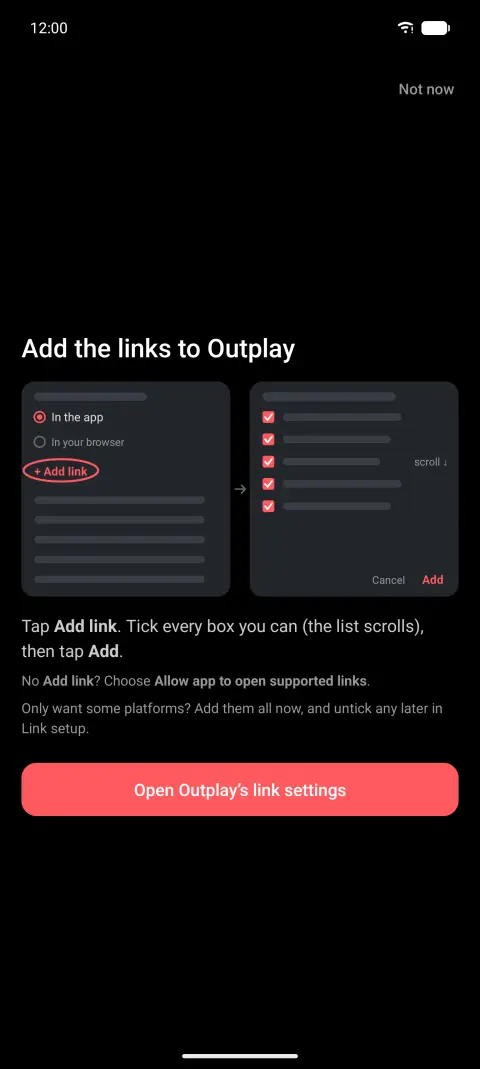
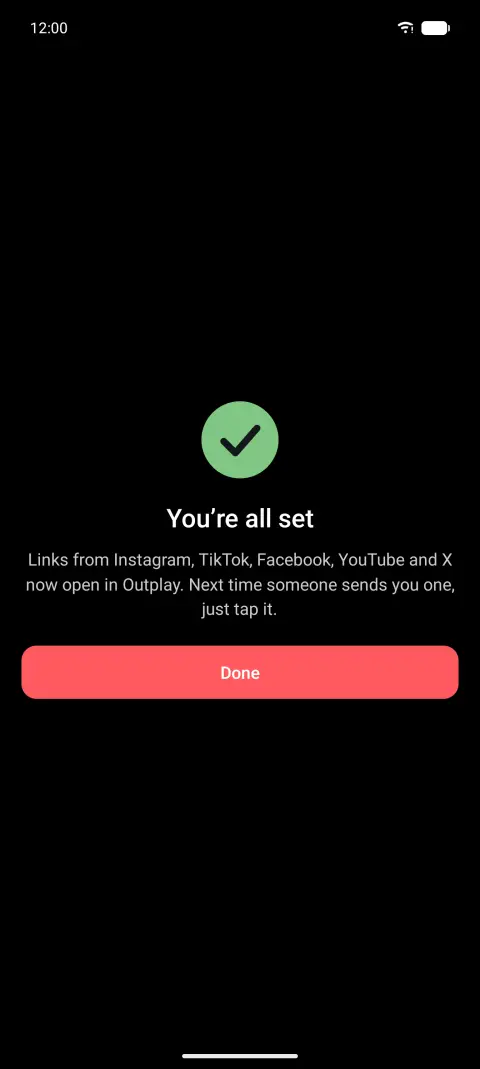
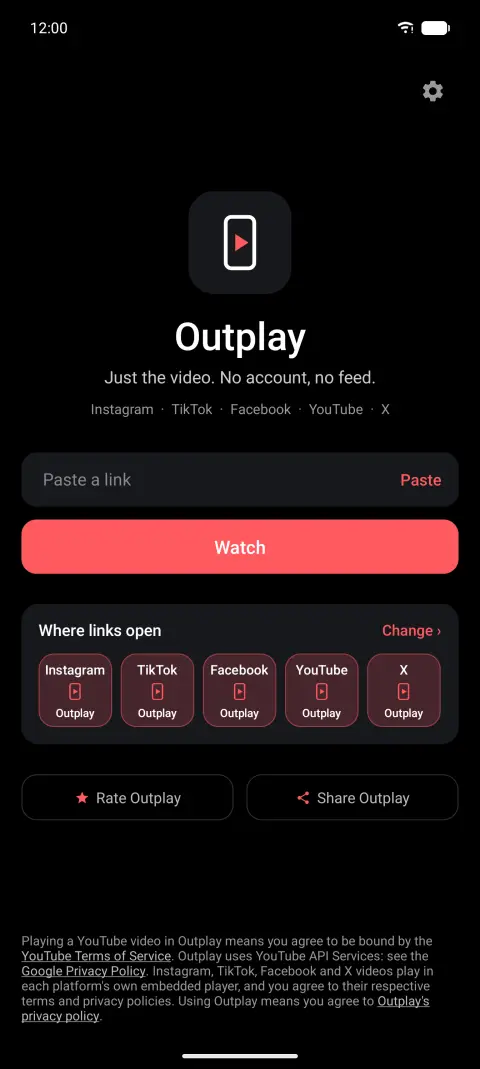
When you come back from Android's settings, Outplay checks. If something is missing it says what. When everything is set, a You're all set screen names the platforms that now open in Outplay. Every screen before that has a Not now button. A second Not now ends the guided setup, and the home screen keeps a card showing where each platform's links go. People who updated from an earlier version don't get the guided setup. They have the Link setup page from the home screen.
Privacy and the ad
Outplay has no analytics and no servers of its own. Its settings stay on your device. Each platform's embedded player is run by that platform under its own privacy policy and may collect data of its own.
The Google Play version shows one ad on the end screen after a video. It never shows before or during a video, and the first 7 videos have none. The ads are non-personalised. A one-time purchase removes the ad. Read the privacy policy.
Outplay is not affiliated with, endorsed by or sponsored by Instagram, TikTok, Facebook, Meta, YouTube, Google or X. Those names belong to their owners.